
The JEE Main 2027 form is filled online in four steps, in this order: register through DigiLocker, JanParichay or e-Pramaan, fill in the application form and upload the files, pay the fee, and download the Confirmation Page. Your name and date of birth must be exactly as on your Class 10 certificate. One Application Number serves both sessions; Session 1 forms are open from 24 October to 22 November 2026.
Session 1 (January 2027)
Session 2 (April 2027)
Before you start, so the form goes through in one sitting.
Registration is through MeriPehchaan: DigiLocker, JanParichay or e-Pramaan. Use your own account, and do a Re-KYC in DigiLocker first so your latest details come through.
Your name and date of birth in the form must be exactly as on it. You also upload it, as a PDF.
NTA advises updating Aadhaar with a recent photograph, name, date of birth, gender and address before you apply.
Your own or a parent's. Each can be used for one form only, and every message from NTA comes only there.
Scanned beforehand at the sizes below, and a camera, webcam or phone for the live photograph.
Your board and the State where you passed, or are taking, Class 12: that State is your State code of eligibility.
In order of preference, from the States of your permanent or present address.
Net banking, a debit or credit card, or UPI. Processing charges and GST are extra.
Step 1
Sign in through MeriPehchaan (DigiLocker, JanParichay or e-Pramaan) and give your name, father's or guardian's name, mother's name, date of birth, gender and addresses. Verify your mobile number by OTP and your e-mail, and create a password. You get an Application Number: note it down, as it is the same for both sessions.
Step 2
Log in with your Application Number and password and fill in the form's twelve parts, in order. The last three are the live photograph, the uploads and Final Submit.
Step 3
Pay online by net banking, a debit or credit card, or UPI, and keep the proof of payment. The application counts only once the fee is received.
Step 4
After the payment, download, save and print the Confirmation Page. Its Application Number goes on everything you send NTA. The three steps before it can be done in one go or at different times.
Scan them before you start, at these sizes. Only your own photograph, signature and certificates.
| File | Format | Size | Rules |
|---|---|---|---|
| Live photographTaken in the form · No fileWith the camera or webcam of the device you fill the form on, or by scanning the QR code with a phone. A white background, good light, 80% of the face showing, ears included, no mask. | Taken in the form | With the camera or webcam of the device you fill the form on, or by scanning the QR code with a phone. A white background, good light, 80% of the face showing, ears included, no mask. | |
| PhotographJPG / JPEG · 10 kB – 200 kBRecent, passport size, in colour, against a white background; 80% of the face showing, ears included, no mask. | JPG / JPEG | Recent, passport size, in colour, against a white background; 80% of the face showing, ears included, no mask. | |
| SignatureJPG / JPEG · 10 kB – 100 kBClearly legible. | JPG / JPEG | Clearly legible. | |
| Class 10 certificate or mark sheetPDF · 50 kB – 300 kBClearly legible. Its name and date of birth are the ones the form must match. | Clearly legible. Its name and date of birth are the ones the form must match. | ||
| Disability or UDID certificatePwD/PwBD candidatesPDF · 50 kB – 300 kBA UDID card is checked on the UDID portal; a mismatch can be fixed only in the correction window. | A UDID card is checked on the UDID portal; a mismatch can be fixed only in the correction window. | ||
| Certificate of physical limitation to writeIf it appliesPDF · 50 kB – 300 kBClearly legible. | Clearly legible. | ||
| Non-Indian passportForeign nationals, OCI includedPDF · 50 kB – 300 kBClearly legible. | Clearly legible. |
Per session, for Paper 1 at centres in India; at centres abroad, five times these amounts. ₹500 more in the late window. Processing charges and GST extra. Paid online; not refundable.
Session 1: 27 – 29 Nov 2026
One chance to change the fields NTA opens for correction; the list comes with the window. Use it for a few wrong details rather than a fresh form. No PwD claims are taken after it closes.
Till 22 Nov 2026; late, 23 – 26 Nov
NTA's notice of 30 October 2026 allows a fresh form even after paying. Only the last form with the fee paid and the Confirmation Page generated counts. It gets a new Application Number, everything is uploaded again, and the earlier fee is not refunded.
NTA does not take corrections or documents by post, fax, WhatsApp, e-mail or by hand; nothing is sent to NTA. Everything is done in the online form.
Download it, save it and print it. Keep your Application Number and password safe; a forgotten password is reset by SMS or an e-mail link.
27 – 29 Nov 2026
Check your form once more and correct what NTA allows.
30 Dec 2026
Tells you the city of your exam centre.
5 Jan – 3 Feb 2027
To take Session 2 as well, log in with the same Application Number and pay its fee in its window.
13 Jan 2027
Download it from the JEE Main website. On exam day, carry it with two passport-size photographs, the same as uploaded, and an original photo ID.
What students and parents usually ask about the JEE Main. Still have a question?
Enquire on WhatsAppA recent passport-size photograph in colour, as a JPG or JPEG between 10 kB and 200 kB, against a white background, with 80% of the face showing, ears included and no mask. The form also takes a live photograph with your camera, webcam or phone.
A JPG or JPEG between 10 kB and 100 kB, clearly legible.
Your Class 10 certificate or mark sheet as a PDF of 50 kB to 300 kB, with the photograph and signature. A disability or UDID certificate, a certificate of physical limitation to write, or a non-Indian passport only if they apply to you, each a PDF of 50 kB to 300 kB.
Your name and date of birth must be exactly as on your Class 10 certificate or mark sheet (NTA's notice of 28 October 2026). Log in with your own DigiLocker after a Re-KYC, and keep Aadhaar up to date, as NTA verifies details and photographs.
Yes, once, in the correction window (Session 1: 27 to 29 November 2026), and only the fields NTA opens. For Session 1, NTA's notice of 30 October 2026 also allows a fresh form till 22 November (late, 23 to 26 November); only the last paid form with a Confirmation Page counts, and the earlier fee is not refunded.
No. Log in with the same Application Number and pay the Session 2 fee between 5 January and 3 February 2027. If you only want Session 2, you register when its form is open.
Check with your bank or the payment gateway whether the payment went through. If it failed, pay again before the last date; if it went through, contact the NTA helpline to have the Confirmation Page generated.
Classroom in Pune or live online, for Class 11, 12 and 12+.
JEE Main results

JEE Main 2026
99.7 percentile
Arya Malyala
JEE Main 2026
Allotted NIT Surathkal
Arya Malyala
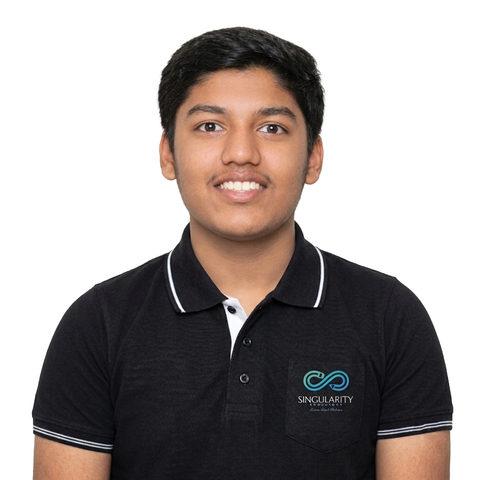
JEE Main 2026
92.12 percentile
Abeer Nichkaode

JEE Main 2026
90.14 percentile
Umang Chinchore
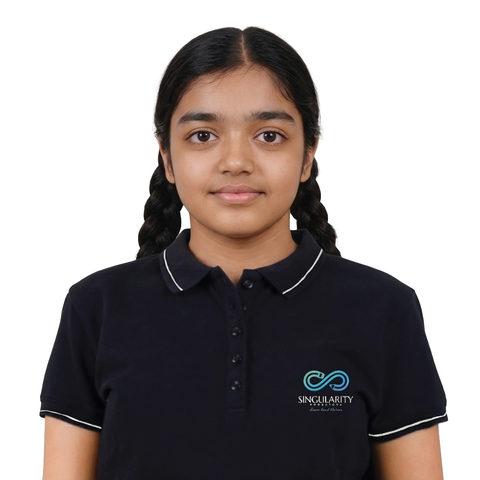
JEE Main 2026
IIT Jammu (BS)
Tanishee Sanodia

JEE Main 2025
99.01 %ile (MNIT Allahabad)
Hardik Verma

JEE Main 2025
97.3 %ile (NIT Surathkal)
Shaunak Kadam
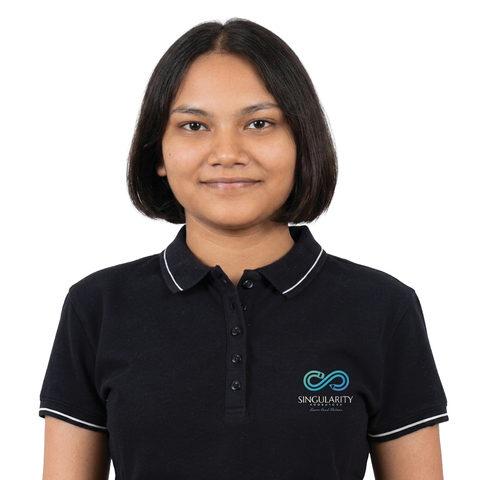
JEE Main 2025
91.97 %ile (NIT Jaipur)
Aayushi Verma
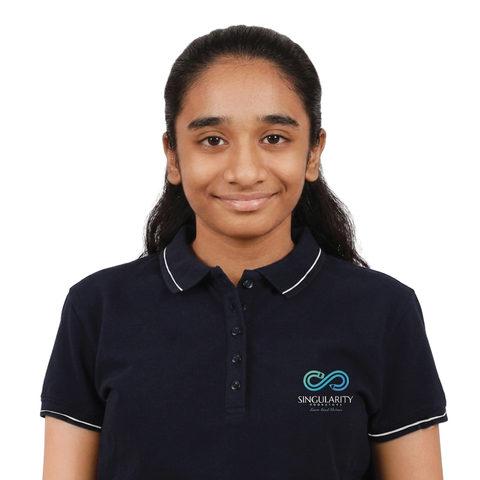
JEE Main 2025
MIT Pune
Ananya Hasabe
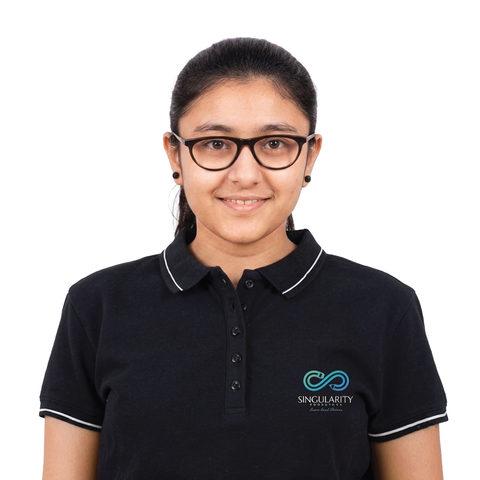
JEE Main 2025
Eligible for JEE Adv
Sharawari Jadhav

JEE Main 2024
98.66 %ile (NIT Nagpur)
Rohan Phanse
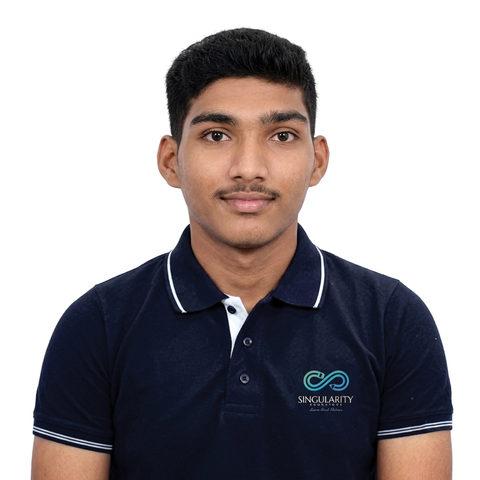
JEE Main 2024
96.3 %ile (NIT Nagpur)
Praveen Soni

JEE Main 2024
95.9 percentile
Shaunak Kadam
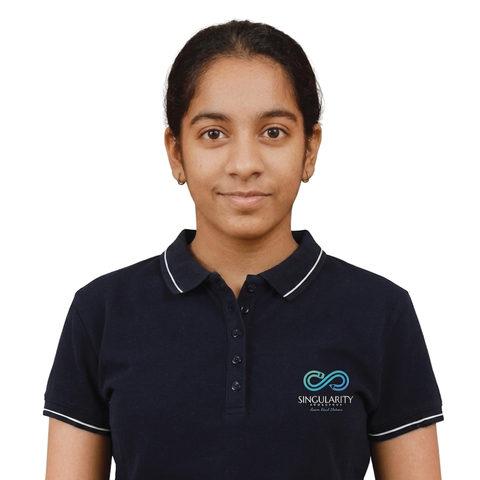
JEE Main 2024
90.7 percentile
Ruhi Shah
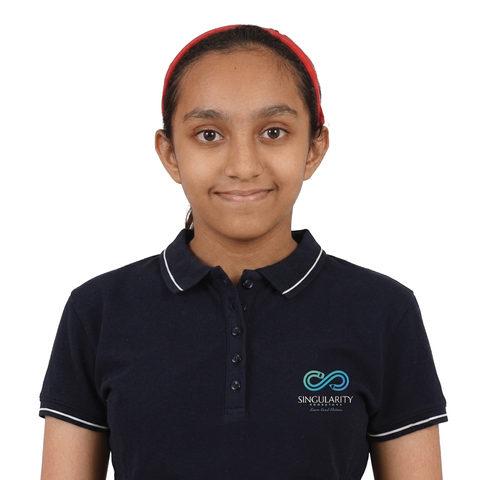
JEE Main 2024
B.Tech (Biotech)
Johanna D'Souza

JEE Main 2023
96.83 percentile
Rohan Phanse
JEE Main 2022
96.79 percentile
Akash Kumbhar
JEE Main 2022
NIT Srinagar
Ashvick Bandral
JEE Main 2022
MIT Pune
Gauri Thakur